A user calls the help desk to complain that they cannot “connect to the internet”. What does that mean? Are they not connected to the network? Is their browser not functioning? These are questions I can ask to determine what the actual problem is. The user answers that they can open Edge but when they try to go to Google it shows that the site cannot be reached.

Next, I can ask the user if they notice if anyone else is having an issue or if they have another network connected device that is having the same issue. The user answers that it seems like everyone else is able to surf the web. This is a domain-joined workstation so I can remotely diagnose the issue.
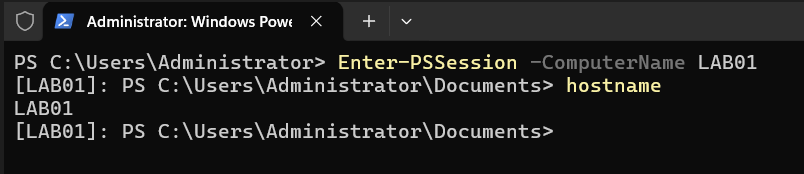
From the Domain Controller open PowerShell as an administrator and run the following command:

And verify the connection:
Then run ipconfig /all to see the IP configuration of the workstation:
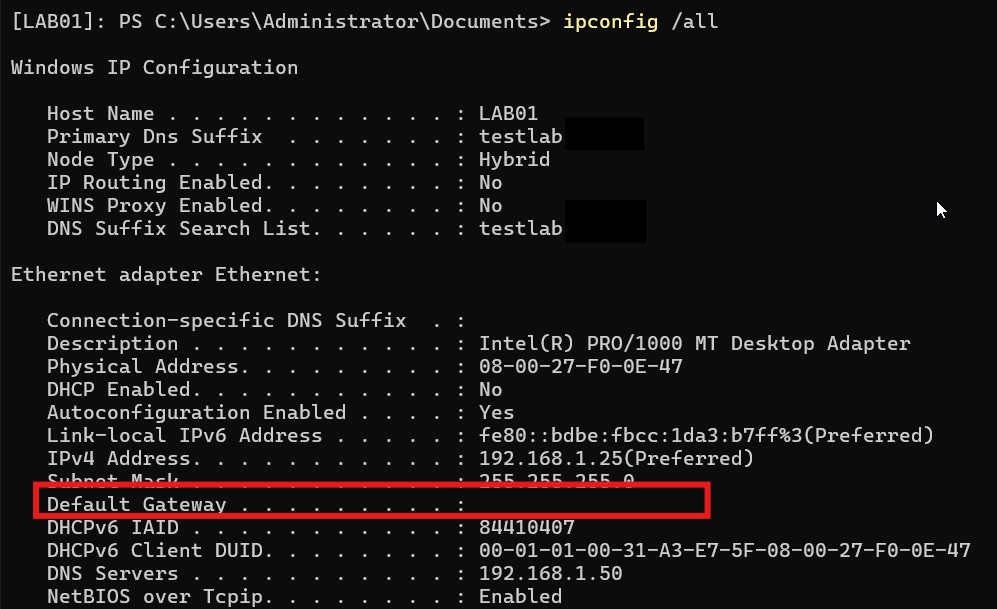
And notice that there is not an address for the default gateway. A default gateway is something that allows a device in a network to communicate with addresses outside of that network. In this lab, it would allow the workstation to reach the internet. So, do some research and find a command that will set the default gateway.

There is also the route command for command prompt and it looks like this: route add 0.0.0.0 mask 0.0.0.0 <gateway ip address>. In the windows environment run route print to confirm that the default gateway is set or, in this example, I ran ipconfig /all again to verify.
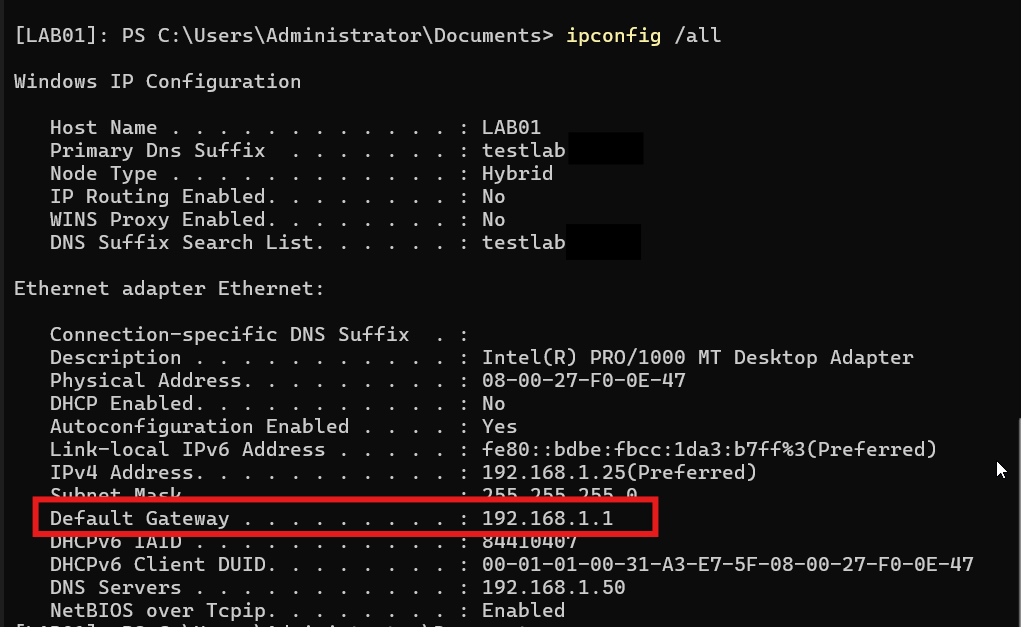
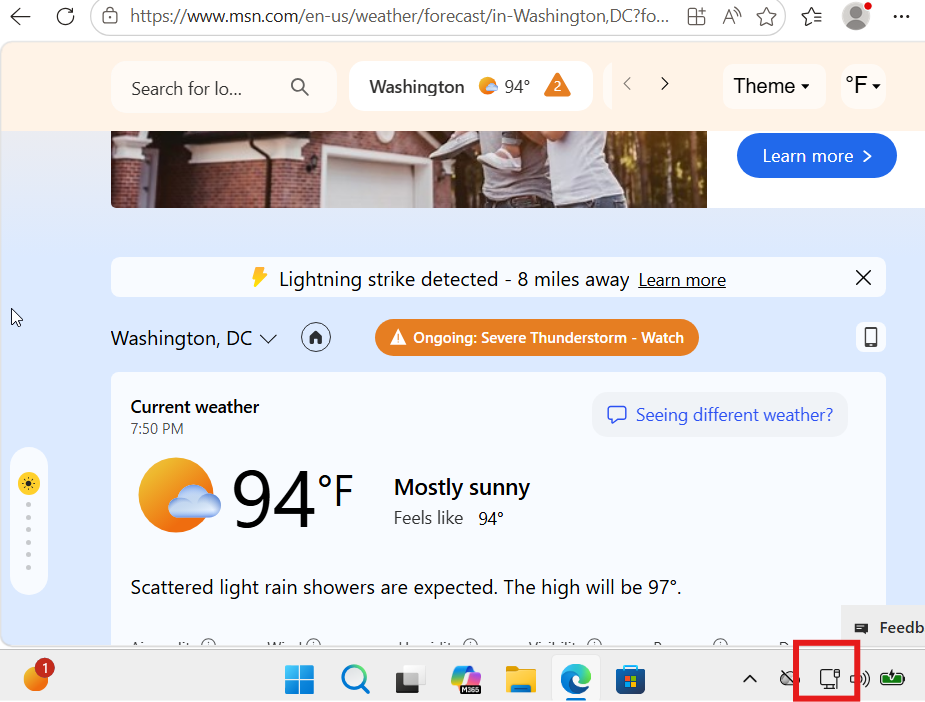
And the user attempted to access a website and was successful.
Pretty fun lab. Asking questions to get to what the actual problem was and narrowing the scope, remotely connecting to a workstation through PowerShell, running the ipconfig /all command to show the IP configuration of the workstation, noticing there was no value for the default gateway, researching commands to set a default gateway, and verifying that the solution worked for the user.