
Teams Licensing Troubleshooting
In this scenario I received a ticket that stated the user was having trouble signing into Teams. They were attempting to sign in on the website version of the application and received an error.
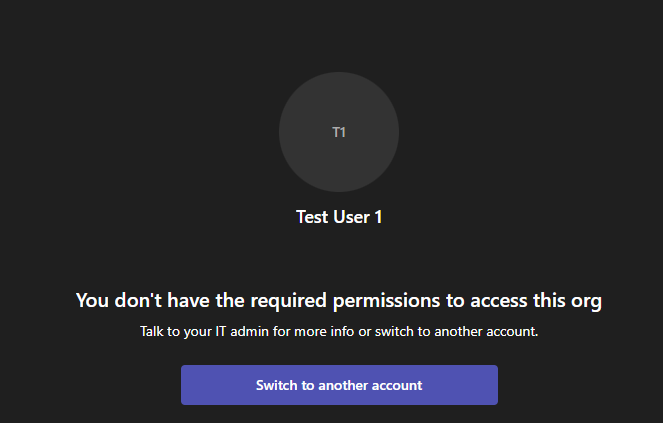
They did not have an issue with any other of the Office 365 apps, only Teams. So, because the scope is a single user on this single app my first step was to verify that the user has a valid license to utilize the Teams program.
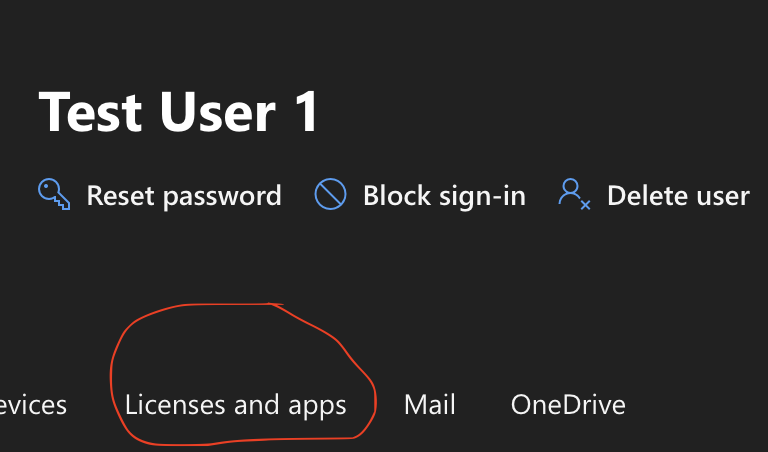

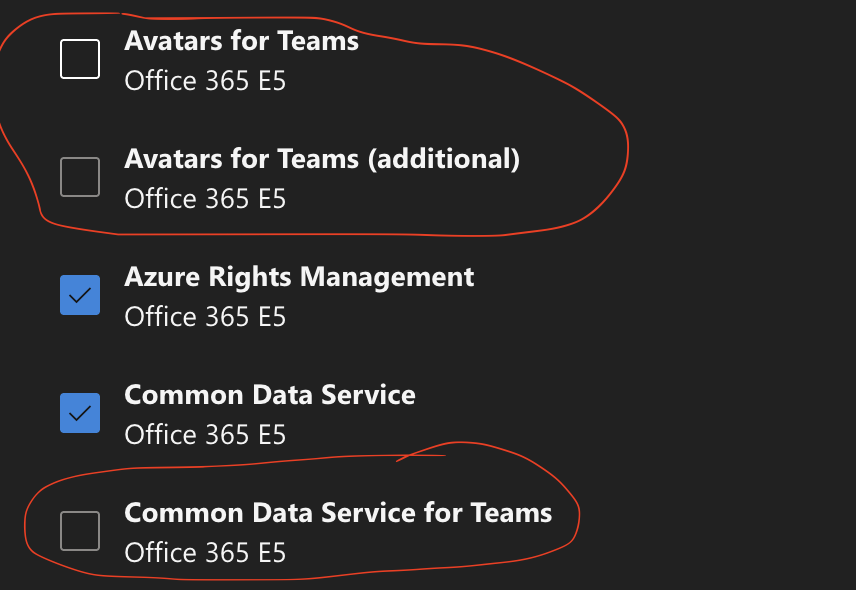
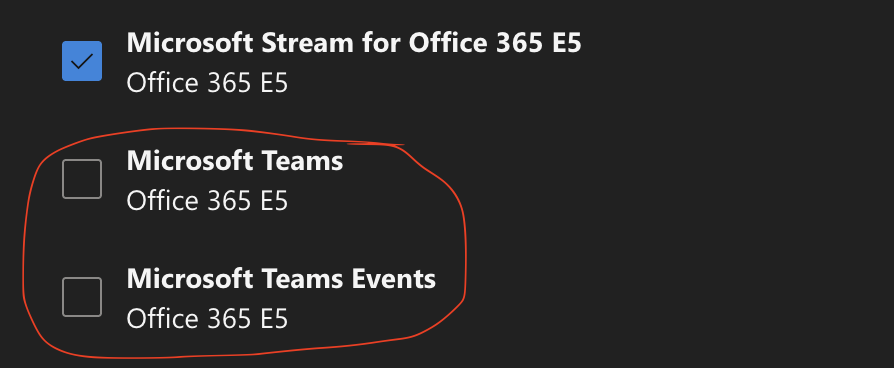
This user was misconfigured so did not have a license to use Microsoft Teams. The fix is to make sure those licenses are checked, save the profile, wait for provisioning, then have the user try to sign in again. Once again, the GPT helped with generating a ticket and I walked through possible solutions with it until I found the license and apps button for the user.